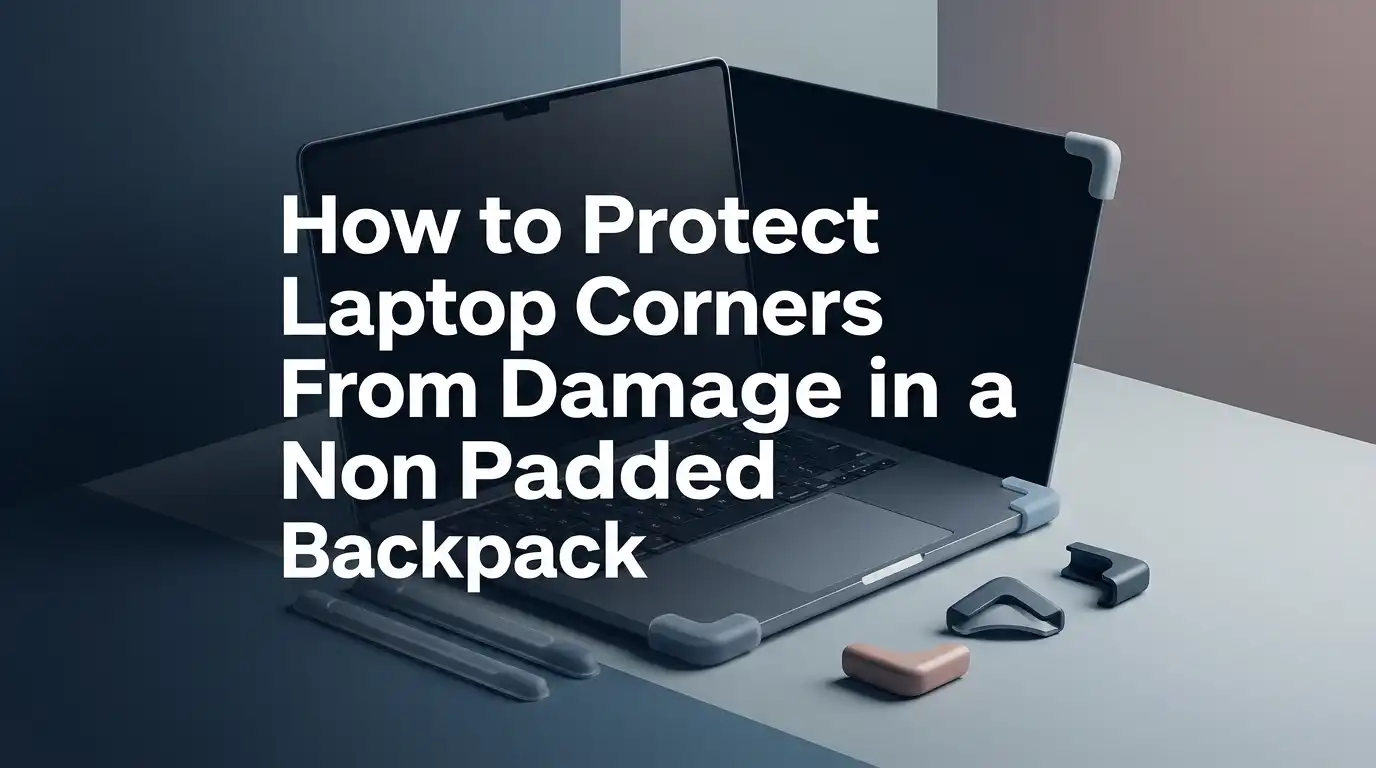
How to Protect Laptop Corners From Damage in a Non Padded Backpack?
Your laptop corners take more abuse than most people think. They hit the bottom of the bag first. They press against books, chargers, and hard edges.
They also absorb shock when you drop your backpack on the floor after a long day. If your backpack has no padding, the risk gets even higher.
The good news is simple. You do not need a new bag right away. You can protect your laptop corners with smart packing, a better sleeve, soft buffers, and a few small habit changes.
In a Nutshell
- Use a snug laptop sleeve first. A sleeve adds a second layer between your laptop and the backpack wall. A good fit matters because a loose sleeve still lets the corners slide and hit the bag.
- Place the laptop in the safest part of the backpack. Keep it close to your back and upright. This spot usually reduces swing and lowers corner impact during walking.
- Build soft space around the corners. Small soft buffers such as folded cloth, soft pouches, or foam inserts can reduce pressure at the most exposed points.
- Keep hard items far from the laptop. Chargers, metal bottles, keys, and thick notebooks can push into the corners. Separate them well so they do not create pressure points inside the bag.
- Change how you handle the backpack. Many corner dents happen when people drop the bag fast or set it down on a hard floor. A gentle habit protects your device more than people expect.
- Check your setup every week. Look for loose fit, heavy packing, wet fabric, and worn sleeve corners. Small checks prevent big damage. If your bag no longer supports safe packing, it may be time to add inserts or replace it.
Understand Why Laptop Corners Get Damaged First
Laptop corners are small contact points. That means force often concentrates there first. When a backpack drops, the corner can hit the ground side of the bag before the rest of the laptop absorbs the shock. In a non padded backpack, there is less material to spread that force.
Pressure also causes damage over time. If you pack too tightly, books and chargers can press into one corner again and again. That pressure may cause dents, bent edges, or even screen stress if the laptop frame twists. This is why corner damage can happen even without a major drop.
Pros of understanding the cause: You make better choices with packing and placement. You stop guessing.
Cons: It may show that your current bag setup is riskier than you thought.
Once you know the problem is usually impact plus pressure plus movement, the fix becomes much clearer.
Pick the Best Spot Inside the Backpack
The safest place for your laptop is usually upright and close to your back. This area moves less while you walk. It also reduces the swing that happens when the laptop sits near the outer side of the backpack. Less swing means less corner shock.
Do not place the laptop flat at the bottom of the bag unless you add thick support. The bottom takes the hardest hit every time you set the bag down. If the backpack has a simple inside sleeve, use it only if the sleeve keeps the laptop raised a little above the base.
Try this simple setup. Put the laptop in a sleeve, place it against the back panel, then pack soft items around it.
Pros: Better balance, less movement, lower drop impact.
Cons: If the back panel is very thin, you still need extra cushioning.
Position alone will not solve everything, but it gives you a much safer starting point.
Use a Snug Sleeve Before the Laptop Goes in the Bag
A laptop sleeve is your first and most useful fix. It protects against scratches, minor bumps, dust, and light corner impact. A snug fit matters because a loose sleeve lets the laptop shift inside. That movement can still leave corners exposed.
Choose a sleeve with soft inner lining and enough padding to absorb small shocks. If you carry your laptop in a crowded backpack, a firmer sleeve gives more support. If you want less bulk, a soft padded sleeve still helps a lot.
A sleeve is not magic. It does not replace careful packing. Still, it adds a barrier between your laptop and hard objects inside the bag.
Pros of a soft padded sleeve: Light, simple, easy to carry, good for daily use.
Cons: Less protection from heavy stacking or hard drops.
Pros of a firmer case: Better corner defense and shape support.
Cons: Heavier and takes more bag space.
Add Cushion Under the Bottom Corners
Bottom corner hits are common because people set backpacks down fast. In a non padded backpack, the base offers little shock control. A simple fix is to add a soft cushion under the laptop area.
You can use a folded microfiber cloth, a thin foam sheet, or a soft pouch placed under the sleeve. The goal is to create a false bottom so the laptop does not sit right on the base of the bag. Even a small lift can reduce direct corner impact.
Make sure the cushion stays flat. If it bunches up, it may create uneven pressure. You want soft support, not lumps.
Pros of a cloth buffer: Cheap, easy, washable, and flexible.
Cons: It compresses over time and may shift.
Pros of a foam insert: Better shape and shock control.
Cons: Less flexible and adds some bulk.
This is one of the best low cost changes you can make today.
Keep Hard and Heavy Items Away From the Laptop Zone
A charger brick, metal water bottle, keys, mouse, or thick power bank can turn into a corner hazard. These items press into the laptop when the bag gets crowded. They also move during walking and can strike the sleeve from the side.
Create a laptop safe zone. Use one area for the laptop only. Then place hard objects in separate pockets or on the opposite side of the bag. If your backpack has poor organization, use small pouches so items stay where you put them.
Do not let notebooks with spiral edges or pens sit against the laptop. Even small hard points can create pressure marks over time. Corners suffer first because they meet those hard edges at an angle.
Pros: Better protection with no extra gear.
Cons: You may need to repack the bag more carefully each day.
This habit sounds basic, but it prevents many avoidable corner dents.
Pack Soft Buffers Around the Laptop Without Overstuffing
Soft items can help, but only if you use them well. A light sweater, soft lunch bag, or folded shirt can act like a side cushion. These soft layers help reduce movement and lower side impact. They are useful when your backpack has no built in padding.
The key is balance. Pack enough soft material to stop sliding, but do not overstuff the bag. Too much pressure can bend the laptop frame or press the screen. A packed bag that barely closes is not protective. It is risky.
Think of soft items as gentle support. They should hold the sleeve in place, not squeeze it hard.
Pros of soft buffering: Free, simple, and easy to adjust.
Cons: Protection changes from day to day and can become uneven.
Soft buffers work best with a sleeve, not instead of a sleeve.
Stop Internal Movement Before It Starts
Movement is a silent cause of damage. When the laptop slides, corners hit the inside walls of the bag over and over. This can happen during walking, biking, bus rides, and stairs. Even small repeated impacts wear down the corners.
To test your setup, pack the bag and shake it lightly. If you hear or feel the laptop shift, you need a tighter setup. Add a better fitting sleeve, a soft side buffer, or a divider. If the backpack is too large for the laptop, movement will always be a problem unless you create a stable pocket.
A stable fit protects better than thick padding alone. A thin but snug setup can beat a loose padded one.
Pros of reducing movement: Less corner wear, better comfort, and less noise.
Cons: It takes a little trial and error to get the fit right.
Once the laptop stops sliding, your risk drops fast.
Change How You Set the Backpack Down
Many people focus only on what is inside the bag. The bigger problem is often how the bag gets handled. If you drop it on concrete, swing it off one shoulder, or let it fall against a chair leg, the bottom corners take that hit.
Start placing the bag down slowly. Use your hand to guide the base to the floor. If you sit in class or at work, avoid kicking the bag under the desk. If you travel by bus or train, keep the bag upright instead of letting it tip and slide.
Good habits protect every bag, even an expensive one. A careful routine matters more than most people expect.
Pros: Free, immediate, and very effective.
Cons: You need to remember it when you are tired or in a rush.
A gentle set down habit may save your laptop more often than any accessory.
Protect the Laptop From Rain, Moisture, and Heat
Corner damage is not always a dent. Moisture can weaken fabric, soften some materials, and increase the chance of slips while you carry the bag. Heat can also create stress inside a tightly packed backpack if the laptop is still warm.
If rain is possible, place the sleeved laptop inside a water resistant pouch or use a bag cover. Keep drinks far from the laptop area. A leak from a bottle can soak the sleeve and reduce its protective value. If you use a more sealed cover, let the laptop cool and shut down fully before packing it.
Dark bags can also get hot in direct sun. Do not leave your backpack baking in a car or by a sunny window. Heat and pressure are a bad mix.
Pros of weather protection: Better safety for corners, ports, and fabric.
Cons: Extra layers can add bulk and trap heat if used carelessly.
Make a Simple DIY Corner Guard at Home
If you need extra help at the corners, you can make a simple DIY guard. Use soft foam, felt, or thick microfiber pieces. Cut four small pads and place them at the sleeve corners or around the laptop inside the sleeve if the fit still stays smooth. The goal is light corner reinforcement, not a bulky lump.
You can also sew or stick soft corner pockets inside an older sleeve if you enjoy simple DIY fixes. Another easy option is to use a soft cloth wrap around the lower two corners before placing the laptop in the sleeve.
Keep the shape smooth and even. If the guards create pressure points, they can do more harm than good.
Pros: Low cost, customizable, quick to test.
Cons: DIY guards may move, look rough, or fit poorly if made too thick.
This method helps when you want targeted protection without buying a whole new bag.
Know When a Non Padded Backpack Is No Longer Good Enough
Some backpacks are too risky no matter how well you pack them. If the bag has a very thin base, no structure, weak stitching, or a loose shape that collapses inward, your laptop may stay exposed. A worn bag can also shift weight badly and press into the laptop.
Watch for warning signs. The laptop leans sideways. The sleeve area sags. The bottom fabric feels hard against the device. You hear items knocking together. The bag feels overfull most days. These are signs that your setup needs an upgrade.
You do not always need a brand new bag. Sometimes a sleeve plus insert solves the issue. Still, there is a point where the bag itself becomes the problem.
Pros of replacing a bad setup: Better safety, comfort, and daily ease.
Cons: Extra cost and time to choose a better option.
Build a Fast Daily Packing Routine That Prevents Damage
A short routine beats random packing. Each day, shut the laptop, remove loose items, slide it into the sleeve, place it near your back, add the bottom cushion, then pack soft items around it. Last, place heavy gear away from the laptop zone.
Check the zipper before you move. A partly open bag can let the laptop slip or tilt. Also make sure no pen, cable, or earbud sits between the laptop and the sleeve edge. These small mistakes cause bigger damage than people expect.
The best routine is the one you can repeat when you are busy. Keep it simple and quick.
Pros of a routine: Fewer mistakes, less stress, better long term protection.
Cons: It takes a few days to become automatic.
Once this becomes habit, your laptop corners stay safer without much effort.
FAQs
Is a laptop sleeve enough for a non padded backpack?
A sleeve helps a lot, but it works best with good packing habits. You still need to keep hard items away, stop sliding, and add bottom support. A sleeve alone may not protect well from heavy drops or tight overpacking.
Should I carry my laptop at the bottom of the backpack?
Usually no. The bottom gets the hardest impact when you set the bag down. It is safer to keep the laptop upright and close to your back, with a soft false bottom under it if possible.
What is the cheapest way to protect laptop corners?
Start with what you already have. Use a snug sleeve, fold a soft cloth for bottom support, and place a sweater or shirt around the sides to reduce movement. Then keep chargers and bottles in separate areas.
Can overpacking really damage a laptop corner?
Yes. Too much pressure inside the bag can push hard objects into the laptop edges and corners. Over time, this can cause dents, frame stress, or even screen issues if the body twists.
Do I need a hard case instead of a soft sleeve?
A hard case gives better protection if you travel often, carry a heavy load, or stack items in your bag. A soft sleeve is fine for lighter daily use if the fit is good and your packing is careful.
If you want, I can also turn this into a polished blog format with a meta description and a short SEO slug.

Hi, I’m Luna Beck — the founder and voice behind Urban Pack Vault. I’m passionate about helping people find bags that perfectly match their lifestyle. From backpacks to travel luggage, I research, review, and recommend so you never have to second-guess your next purchase.